








Mahjong Connect 1
Tactical, online, free puzzle Mahjong Connect 1 game with visual music that will immerse you even more into the world of Asian culture.
How to Play
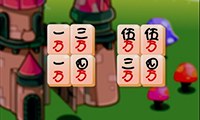
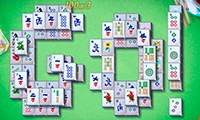
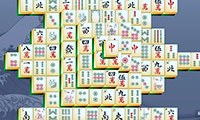
On your playing field there are tiles in different layouts, and the game has 12 levels. Each new level becomes more difficult. If you need to leave for a while, you can click the pause button, and if you do not know which move to make next, you can shuffle all the tiles. There is also a button that undoes the last move.
The game also has a time limit, so you need to move quickly, act decisively, and think ahead.
Press the Play button and start the online Mahjong Connect game right now!
An interesting version of the popular Chinese puzzle game mahjong. Its distinguishing feature is the gravity effect. In a classic oriental puzzle, when you click on pairs of tiles with the same hieroglyphs, they disappear, opening access to the blocked tiles. In this version, the tiles you remove from the bottom cause the tiles above to fall down. This animation is not common in the Mahjong Connect series, so we advise you to pay special attention to it.
Thanks to this distinctive graphical property, the Mahjong Connect 1 game has its own difficulties. You will not be able to calculate your actions more than 2-3 moves ahead. On the other hand, the animation simplifies the gameplay, since the collapse of an entire column can create pairs of tiles that have become neighbors.
The rules of the game do not differ from the classic ones. You just need to look for identical tiles and remove them from the field by pressing the left mouse button. At the same time, there is no need to download this game, because you can simply open it in your browser. And to keep your favorite version of mahjong, we recommend bookmarking the page and returning to the game at a convenient time.
Related games on Free Mahjong Online include Mahjong Classic Connect and Mahjong Connect.
Key Game Features
- 12 levels
- Time-based gameplay
- Shuffle button
- Pause button
- Undo last move button
Controls
- Click tiles with the left mouse button
- Use the Play button
- Use pause
- Use shuffle
- Undo the last step